Free plan pick:Free AI tools– Discover the right AI for your next task

Free AI Tools List for Everyday Tasks

Find free AI tools for writing, images, video, research, coding and productivity.See what each tool does for free, its limits, and whether you need to sign up.

20 tools with checked free access, including ongoing free plans. Selection policy

Browse free AI tools by task

20 tools with checked free access, including ongoing free plans.

Showing 20 tools

Free plan

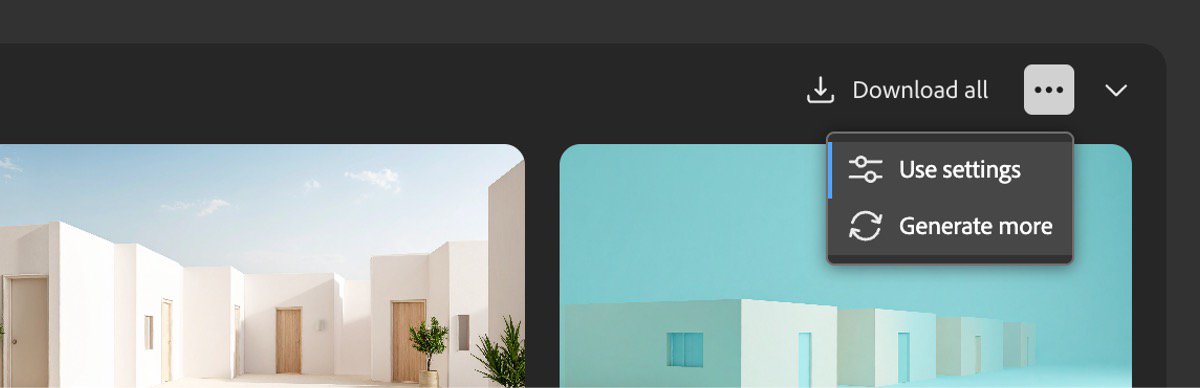
Why pick it: Useful for exploring image ideas with Adobe's own creation tools.

What's free: Generate images using the ongoing free allowance.

Limits: Daily generations are limited; premium models and features may require credits.

Check date & official source

Official pricing checked: · Not a hands-on test

Official plan & conditions ↗
Open free plan
Free limits & details
Free plan

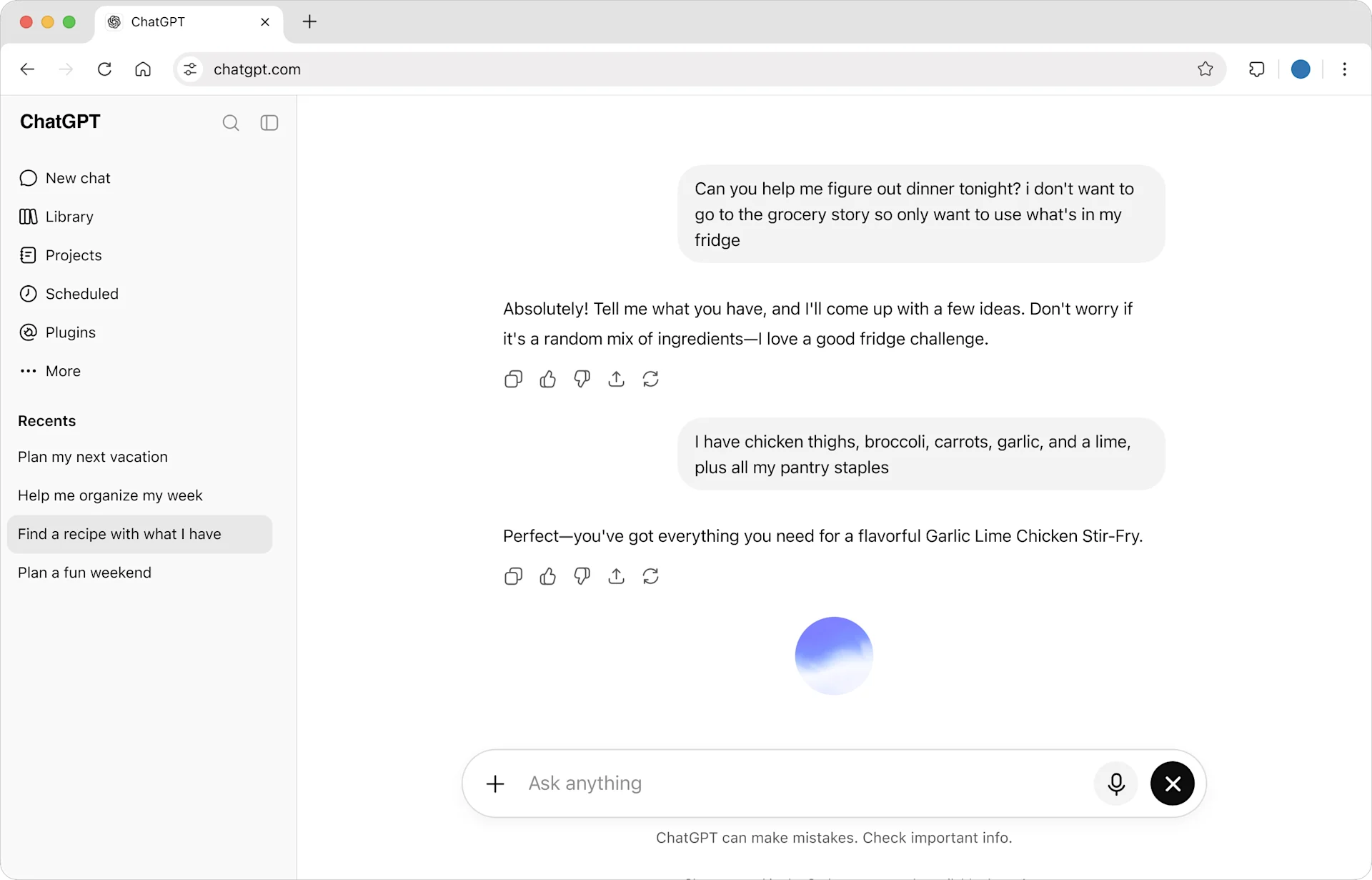
Why pick it: A flexible starting point when your task spans writing and everyday questions.

What's free: Draft, explain and brainstorm in a conversational workspace.

Limits: Uploads, image creation and advanced features have separate usage limits.

Check date & official source

Official pricing checked: · Not a hands-on test

Official plan & conditions ↗
Open free plan
Free limits & details
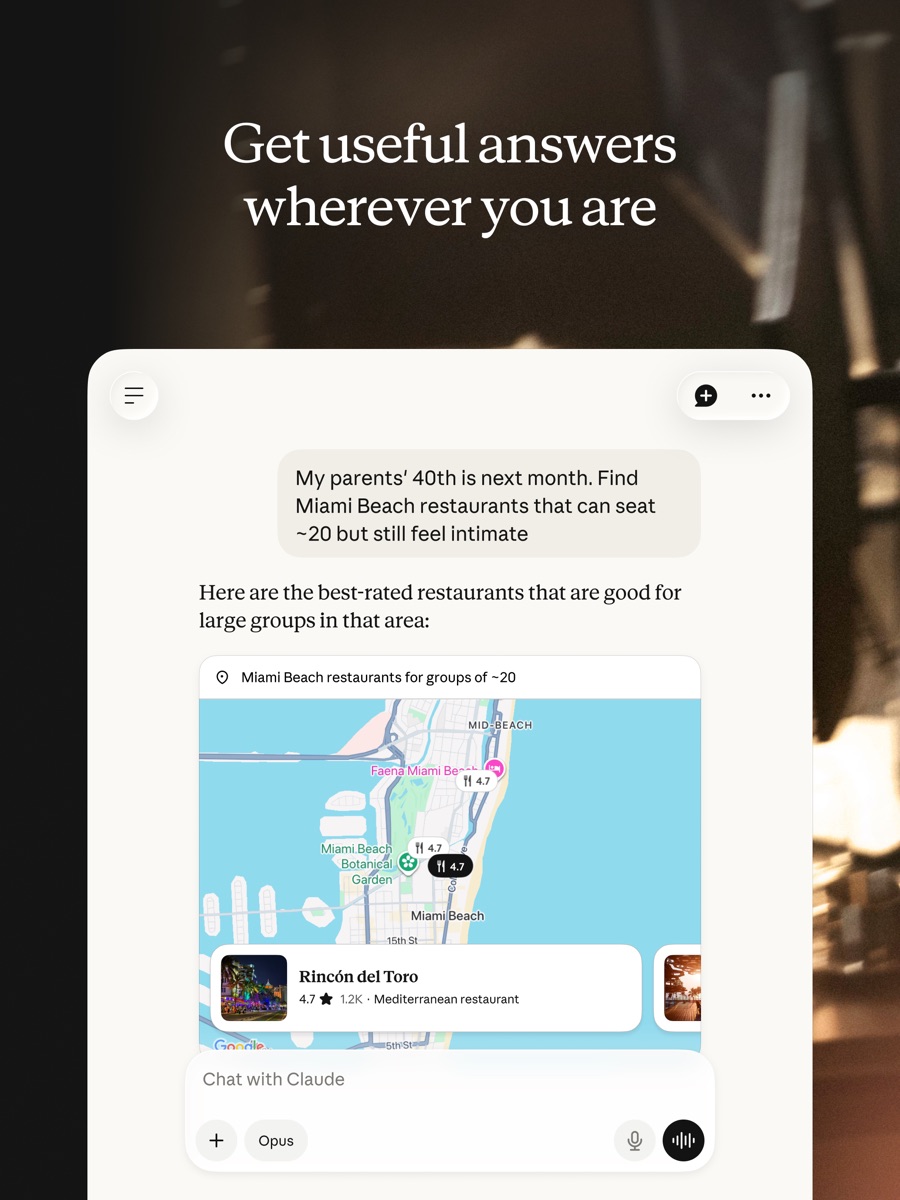
Free plan

Why pick it: Useful for iterating on a draft with context and follow-up questions.

What's free: Discuss documents, draft text and create small artifacts.

Limits: Usage is limited over five-hour and weekly windows; limits depend on the task.

Check date & official source

Official pricing checked: · Not a hands-on test

Official plan & conditions ↗
Open free plan
Free limits & details
Free plan

Why pick it: For finding scholarly sources before reading the original studies.

What's free: Search research papers and try limited Pro and Deep analysis.

Limits: Free lists unlimited paper searches with separate monthly limits for messages, reviews and snapshots.

Check date & official source

Official pricing checked: · Not a hands-on test

Official plan & conditions ↗
Open free plan
Free limits & details
Free plan

Why pick it: For trying codebase questions and scoped agent edits before choosing a paid plan.

What's free: Use limited coding-agent and chat requests in Cursor's Free plan.

Limits: Free AI usage is limited; paid models and extra usage may be billed separately. No fixed unlimited allowance is stated.

Check date & official source

Official pricing checked: · Not a hands-on test

Official plan & conditions ↗

Open free plan
Free limits & details
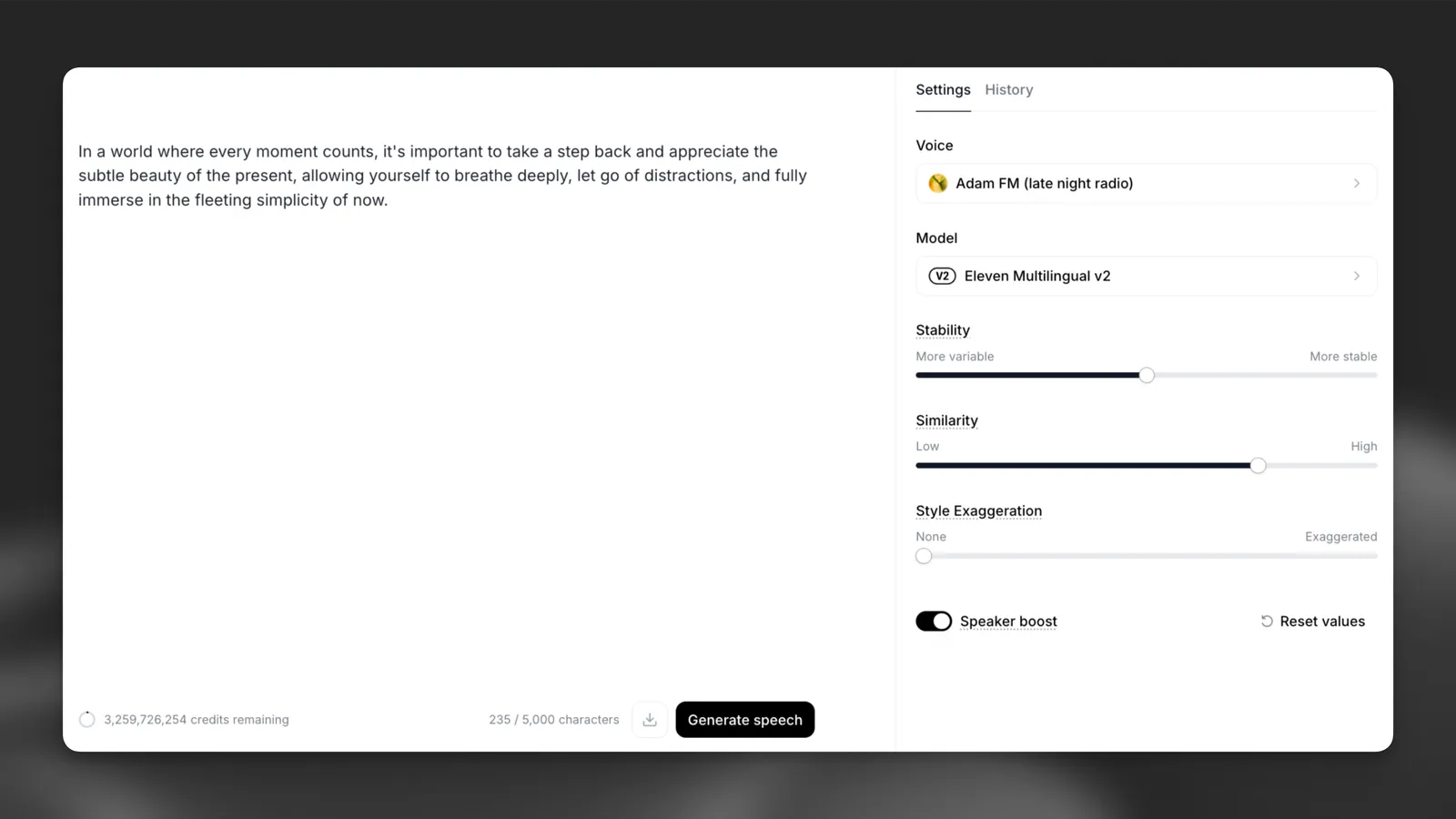
Free plan

Why pick it: A recurring budget for exploring synthetic speech and audio workflows.

What's free: Create speech and try audio tools with 10,000 credits per month.

Limits: Credits are shared across features. Free outputs are non-commercial and require attribution when shared.

Check date & official source

Official pricing checked: · Not a hands-on test

Official plan & conditions ↗
Open free plan
Free limits & details
Free plan

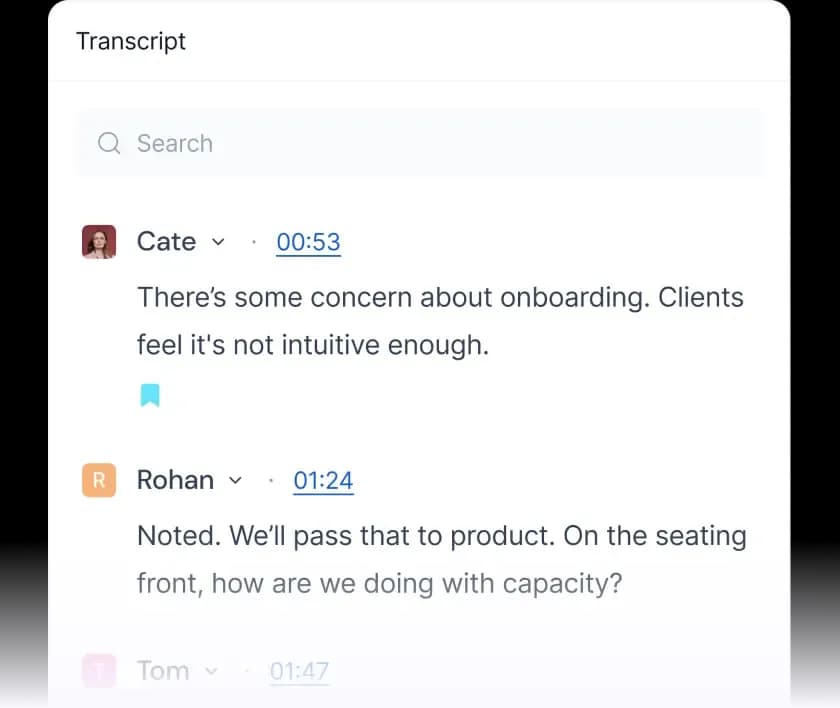
Why pick it: Useful when the main need is searchable meeting transcripts.

What's free: Transcribe meetings and search your meeting notes.

Limits: 400 minutes of team storage; unlimited free transcription requires auto-join. Summaries are limited.

Check date & official source

Official pricing checked: · Not a hands-on test

Official plan & conditions ↗
Open free plan
Free limits & details
Free plan

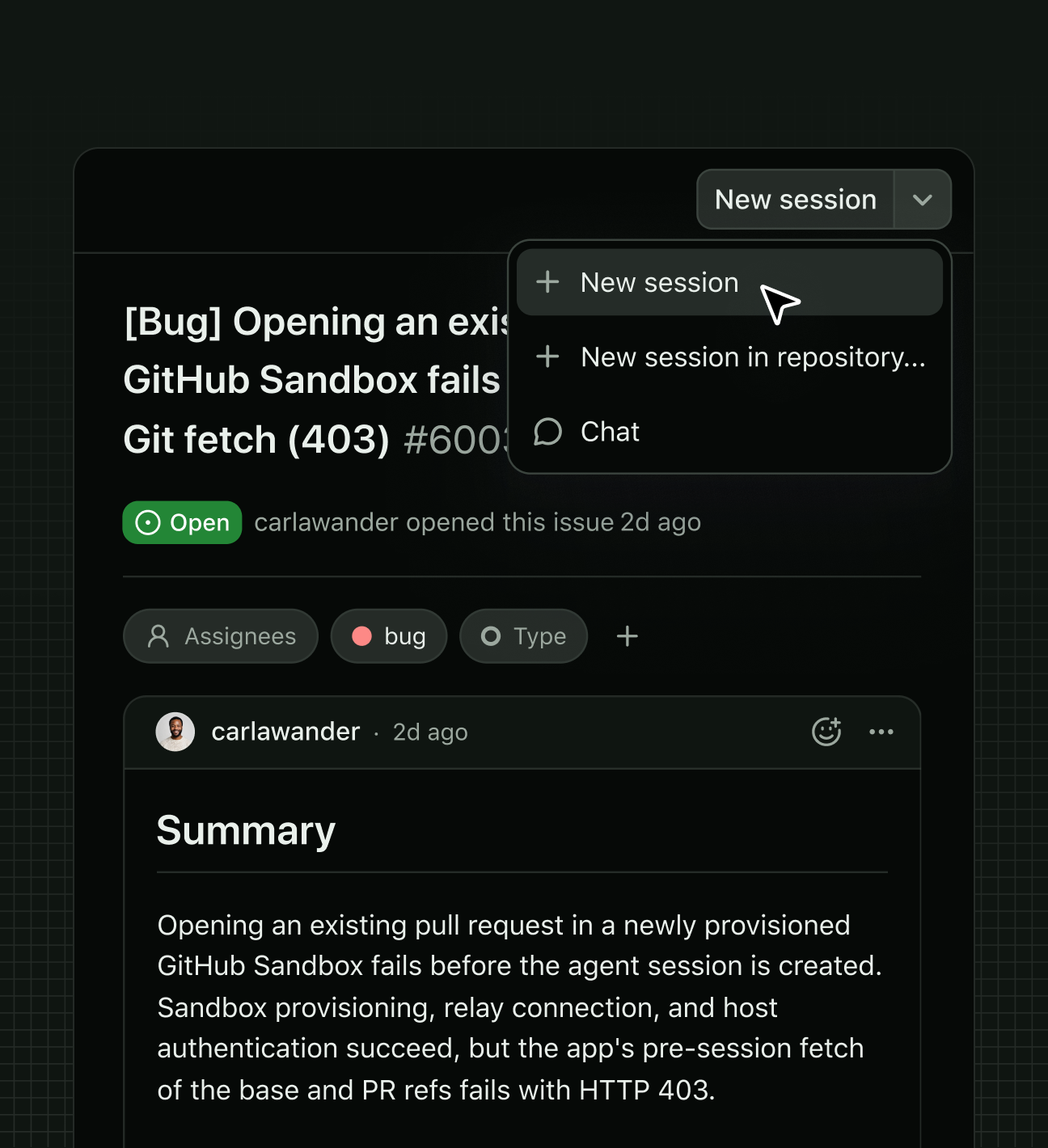
Why pick it: A free entry point for assistance inside supported code editors.

What's free: Get inline coding suggestions and limited chat or agent help.

Limits: 2,000 inline suggestions per month; chat and agent usage have separate limits.

Check date & official source

Official pricing checked: · Not a hands-on test

Official plan & conditions ↗
Open free plan
Free limits & details
Free plan

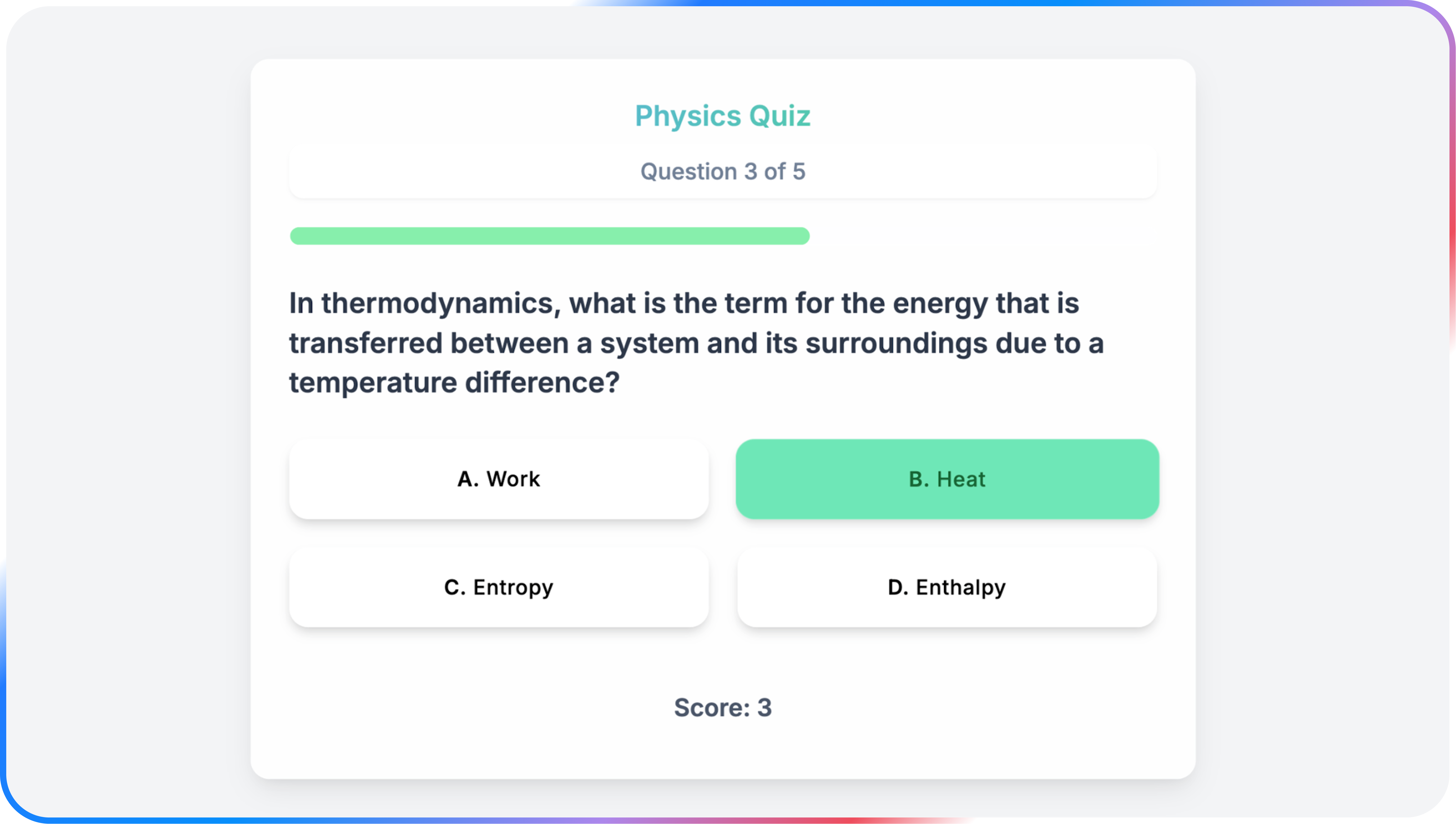
Why pick it: A general assistant for people already using a Google account.

What's free: Get everyday assistance, generate images and work in Canvas.

Limits: Free access has lower usage limits; availability varies by feature and region.

Check date & official source

Official pricing checked: · Not a hands-on test

Official plan & conditions ↗
Open free plan
Free limits & details
Free plan

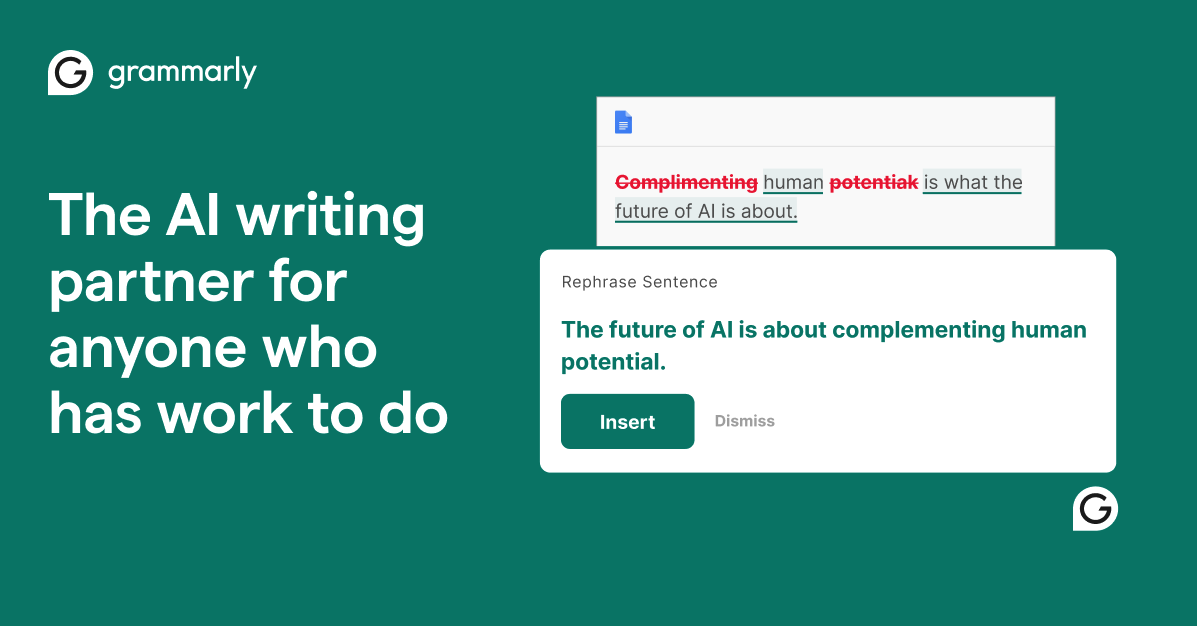
Why pick it: For revising an existing passage before sharing it.

What's free: Check grammar, spelling and writing tone, with limited AI prompts.

Limits: Free and Pro rewriting features differ; Free lists 100 AI prompts.

Check date & official source

Official pricing checked: · Not a hands-on test

Official plan & conditions ↗
Open free plan
Free limits & details
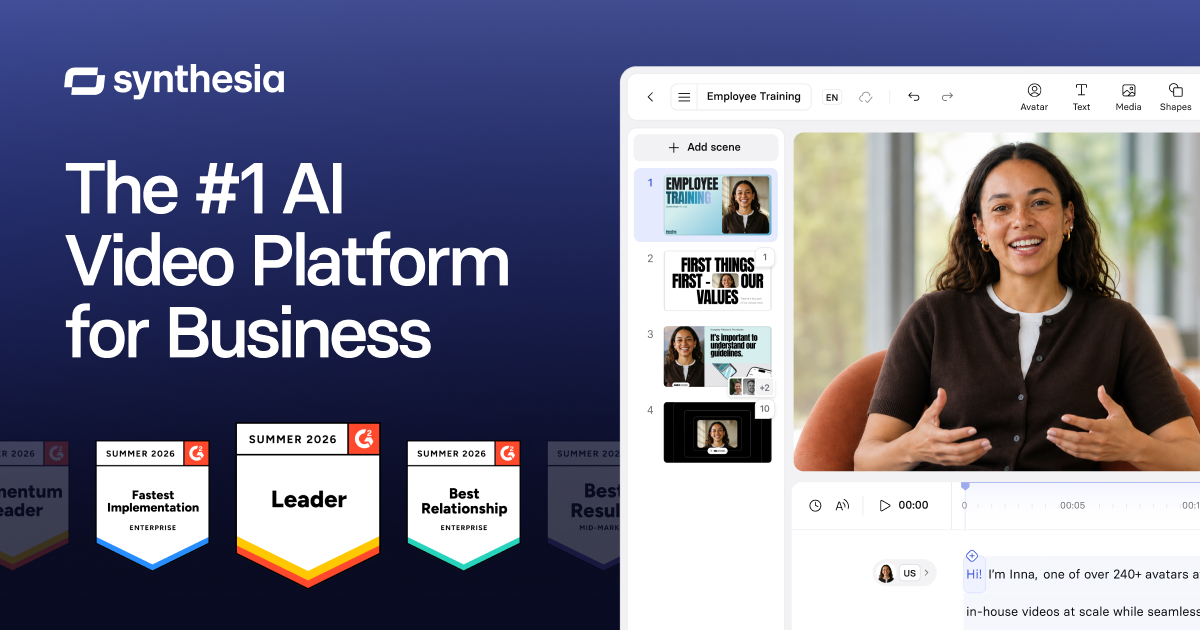
Free plan

Why pick it: A recurring allowance for trying a short presenter-led explanation.

What's free: Create up to three short avatar videos per month.

Limits: Videos are watermarked and limited to one minute each.

Check date & official source

Official pricing checked: · Not a hands-on test

Official plan & conditions ↗
Open free plan
Free limits & details
Free plan

Why pick it: For comparing visual directions with a defined weekly allowance.

What's free: Generate visual concepts using recurring weekly credits.

Limits: Free lists 30 credits per week; editing, privacy and model access depend on the plan.

Check date & official source

Official pricing checked: · Not a hands-on test

Official plan & conditions ↗
Open free plan
Free limits & details
Free plan

Why pick it: A clearly defined daily budget for exploring visual concepts.

What's free: Create images with 150 fast tokens per day.

Limits: Free creations are public, with basic quality settings and restricted model access.

Check date & official source

Official pricing checked: · Not a hands-on test

Official plan & conditions ↗
Open free plan
Free limits & details
Free plan

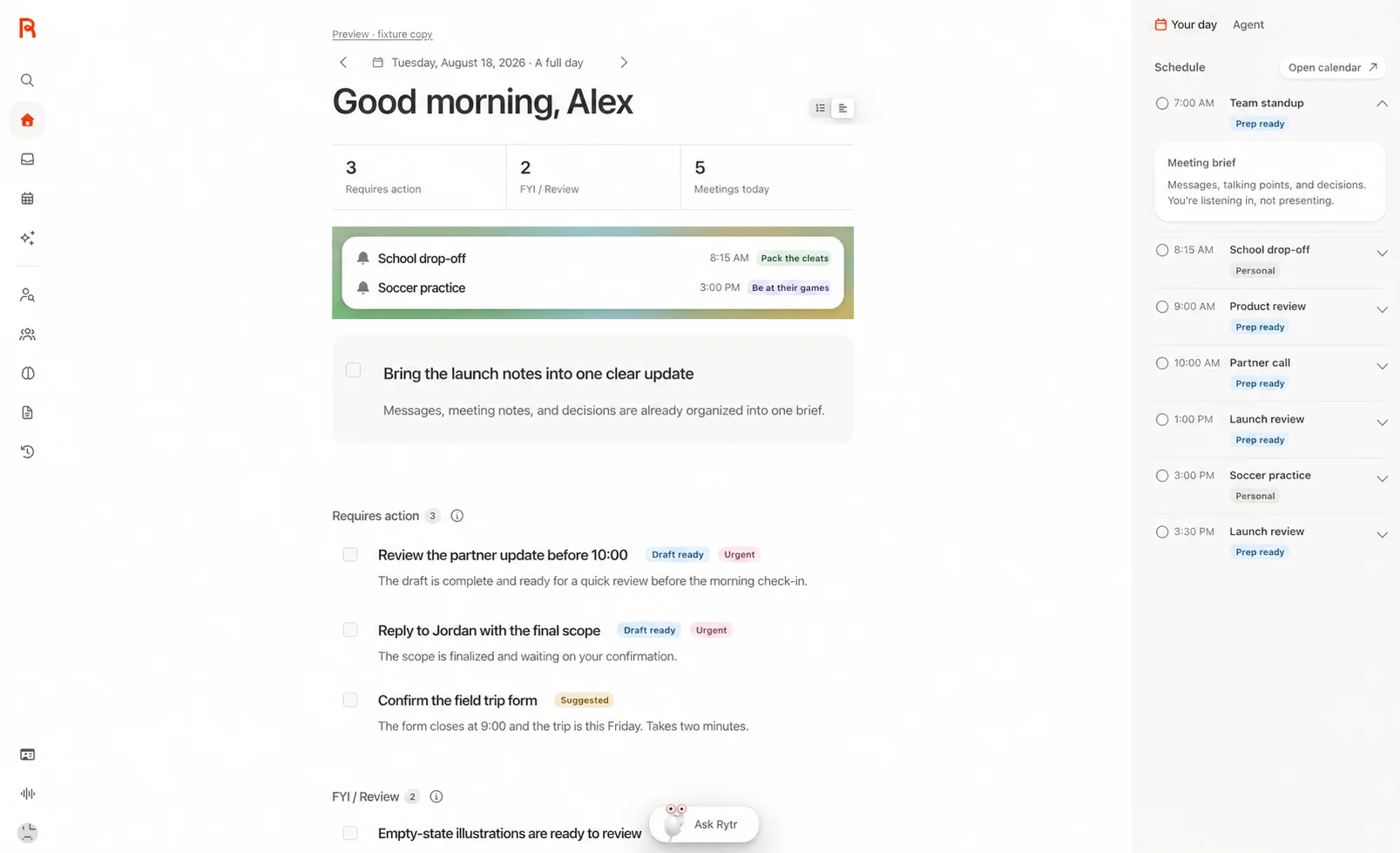
Why pick it: For trying note retrieval and lightweight task tracking with your own context.

What's free: Keep a small note workspace and ask about saved context.

Limits: Free limits messages, new notes and tracked tasks; advanced routines and capacity are paid.

Check date & official source

Official pricing checked: · Not a hands-on test

Official plan & conditions ↗

Open free plan
Free limits & details
Free plan

Why pick it: For live meeting records when the Basic limits fit your workflow.

What's free: Capture and revisit meeting transcripts with a monthly recording allowance.

Limits: Basic lists 300 monthly transcription minutes and three lifetime audio/video file imports.

Check date & official source

Official pricing checked: · Not a hands-on test

Official plan & conditions ↗
Open free plan
Free limits & details
Free plan

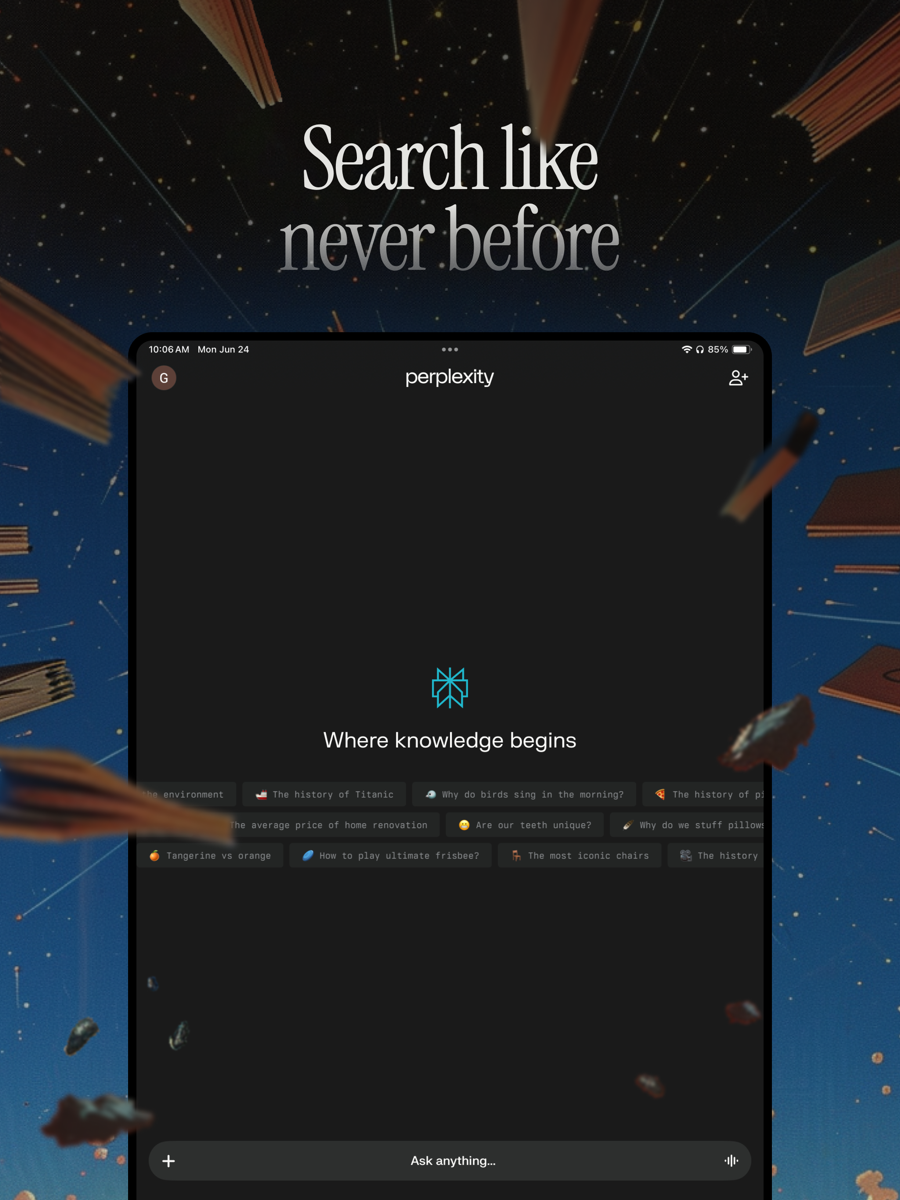
Why pick it: A focused option for questions where checking the original source matters.

What's free: Search the web and follow the sources behind an answer.

Limits: Advanced searches and file uploads are limited; paid features are separate.

Check date & official source

Official pricing checked: · Not a hands-on test

Official plan & conditions ↗

Open free plan
Free limits & details
Free plan

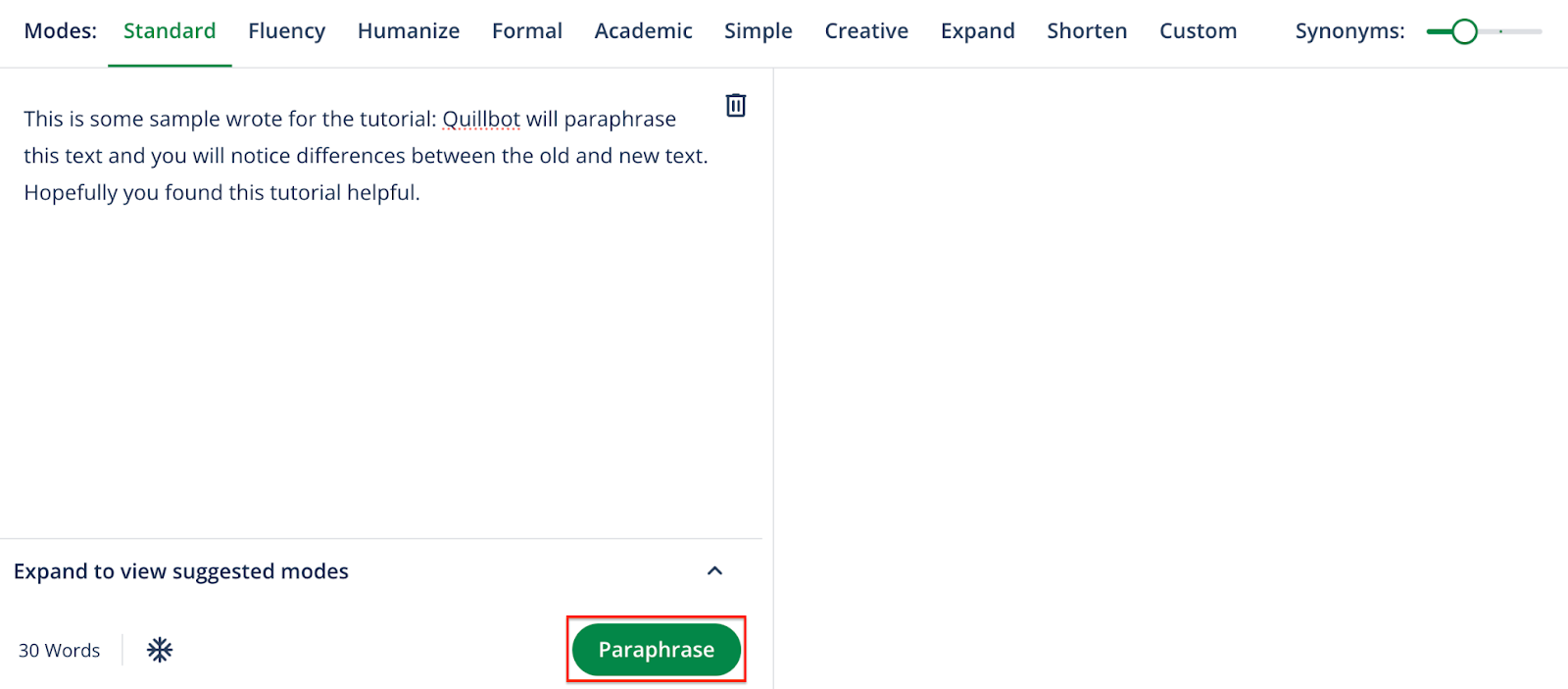
Why pick it: A practical choice for revising a short paragraph rather than a whole document.

What's free: Paraphrase short passages and correct basic grammar.

Limits: Up to 100 words per paraphrase in two modes; other tools have separate limits.

Check date & official source

Official pricing checked: · Not a hands-on test

Official plan & conditions ↗
Open free plan
Free limits & details
Free plan

Why pick it: For a small writing or follow-up task with a clear monthly budget.

What's free: Create short drafts and prepare follow-ups with limited connected context.

Limits: Free lists 10,000 writing characters per month and separate Engage limits.

Check date & official source

Official pricing checked: · Not a hands-on test

Official plan & conditions ↗

Open free plan
Free limits & details
Free plan

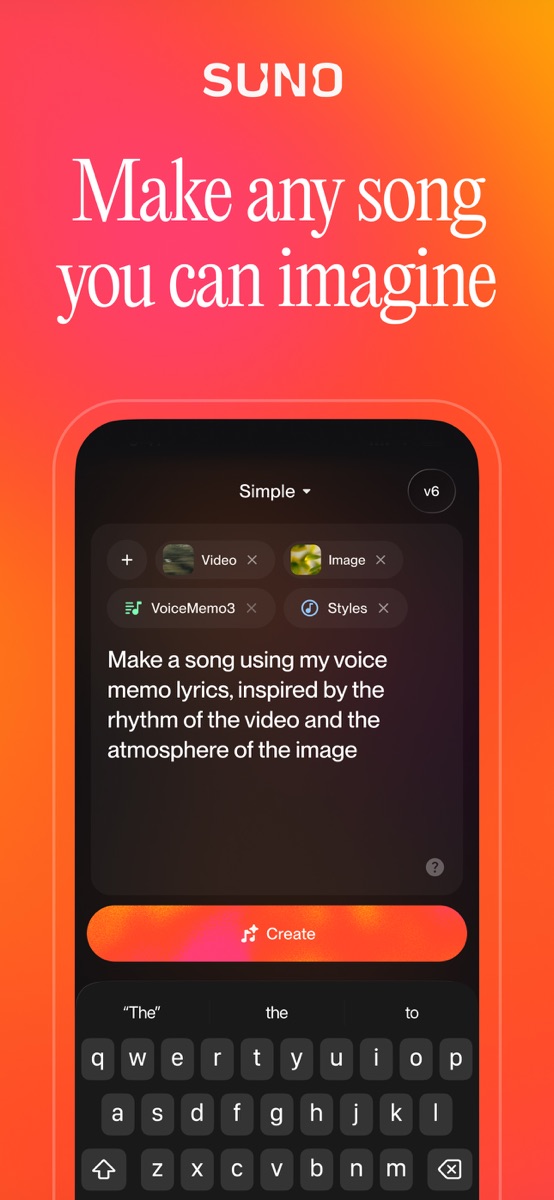
Why pick it: Useful for exploring song ideas when playback, rather than commercial delivery, is the goal.

What's free: Generate music using 50 credits that renew daily.

Limits: No commercial rights or song downloads on the free plan; shared creation queue.

Check date & official source

Official pricing checked: · Not a hands-on test

Official plan & conditions ↗
Open free plan
Free limits & details
Free plan

Why pick it: For testing a presenter script when link sharing is sufficient.

What's free: Create a limited amount of avatar-led video and share it by link.

Limits: Basic has a defined allowance and watermarked output; downloads are a paid-plan feature.

Check date & official source

Official pricing checked: · Not a hands-on test

Official plan & conditions ↗
Open free plan
Free limits & details
Filter free tools in the directory

Recently checked free plans

Official pricing checks; see each tool for the date and limits.

How we select free AI tools

We select tools for practical tasks and check their official free plans. Each listing explains why it fits and the limits to consider.

  • Useful, recurring free access

    Exclude trial-only offers, one-off credits and free accounts without a usable capability.

  • Limits that affect your choice

    Record checked allowances, output limits and signup requirements. Label anything unconfirmed.

  • Traceable official information

    Link the official source and actual check date so you can confirm the terms and revisit changes.

Selections are based on task fit and useful free access. Sponsorship and local view counts do not determine these picks. Pricing checks and hands-on tests are distinct.

For a more detailed choice, compare free coding assistants and agents or choose AI research tools for papers and evidence.

See AI tools you can try without signing up

Report a free-plan change →

Questions about free AI tools

Are these AI tools completely free?

The list includes free tools and products with ongoing free plans. A Free plan label means paid upgrades may exist; free capabilities and important limits are described separately.

Are free trials included?

The default list requires a recurring way to complete the described task without payment. Time-limited trials, one-off trial credits and zero-dollar accounts without a usable allowance are excluded.

Do I need to create an account?

Each tool has its own signup requirements. Browsing, comparing and visiting official websites do not require a vibeforthat account. Some basic features work without signup; advanced features may need an account.

Can I export or commercially use the output?

Check each product's export, watermark and license terms. Free access does not automatically include downloads, watermark removal or commercial rights. Important restrictions appear beside the tool and in its official source.

What if a free plan changes?

Each tool shows its official pricing source and the date it was checked. A pricing check is not a hands-on test. Report changes through our contact page.

Explore the complete AI directory

All 56 AI tools, agents and MCP servers, including free and paid plans.

Browse the full directory →

Browse by category

6 groups · 10 categories. Find the right product for your next task.

FROM THE MAKERS

What people are building

Take a look at the product, then read how its maker built it.

Browse all projects

Explore tools across the full directory

The most visited and most saved tools, plus AI agents and MCP servers

Based on local activity
Most visited toolsLocal directory activityFull list →
  1. 1

    GitHub Copilot

    AI coding suggestions and contextual chat in supported IDEs. Free includes 2,000 inline suggestions monthly.

    1views
  2. 2

    CrewAI

    Build coordinated agents and controlled workflows with CrewAI’s framework and enterprise platform. Check model and deployment costs.

    0views
  3. 3

    Browser Use

    Browser automation for AI agents, with an open-source framework and paid cloud infrastructure. Model and browser costs are separate.

    0views
  4. 4

    Context7

    Context7 supplies version-specific library documentation and examples to coding agents through its MCP server. API access follows the provider’s current plan.

    0views
  5. 5

    OpenHands

    Run coding agents locally or through hosted services. Open-source software, model inference and deployment have different costs.

    0views
  6. 6

    GitHub MCP Server

    GitHub’s official MCP server connects compatible AI clients to repository, issue and pull-request tools with scoped authentication.

    0views
  7. 7

    Playwright MCP

    Microsoft’s open-source MCP server gives AI assistants structured browser automation through Playwright. Provider or browser hosting costs may apply.

    0views
  8. 8

    Magician

    A legacy Diagram design-plugin listing. Figma acquired Diagram; current standalone Magician access and pricing were not verified.

    0views
  9. 9

    Figma AI

    Use AI within Figma workflows for design exploration, image editing and prototyping. Check the product, seat and credit requirements.

    0views
  10. 10

    Scite

    Inspect how research is cited and use a source-linked research assistant. Read citation context before relying on a classification.

    0views
Browse all tools →

More on vibeforthat

Blog→

Guides, inspiration and product stories

FOR PRODUCT BUILDERS

Built something useful? Help people find it.

Start with your website. Add your logo, screenshots and product details to a listing you can keep up to date.

Verify your website badge for a free listing.